
Customer-facing teams log cases in Salesforce. Technical teams work out of Jira. When a customer reports a bug, someone copies the description from one system to the other. Status updates travel through Slack messages. Comments get lost in email threads. The handoff between support and engineering becomes a bottleneck.
This article focuses specifically on tools built for case escalation, support visibility, and team handoffs. We looked at how quickly each tool moves cases from Salesforce to Jira, whether status updates flow back automatically, and if comments and attachments stay attached. Not all integration tools handle support workflows well. These five do.
Why Support Workflows Break Without Integration
The problem isn’t just manual work, though there’s plenty of that. It’s the gap between customer-facing teams and engineering. A simple bug report travels through Slack, email, spreadsheets, and phone calls before it lands in Jira. Status updates require someone to chase. Urgent issues get delayed because no one saw them. According to our data, these breakdowns happen in predictable patterns. The most common breakdowns usually happen in a few predictable areas:
- Manual case handoff between teams;
- Loss of comments, attachments, or field updates;
- Poor visibility into ticket status for sales and support;
- Delayed escalation of urgent customer issues;
- Duplicate work across Salesforce and Jira.
Integration in this scenario isn’t nice to have. It’s the operational foundation that keeps support and engineering aligned.
1. Peeklogic Connector
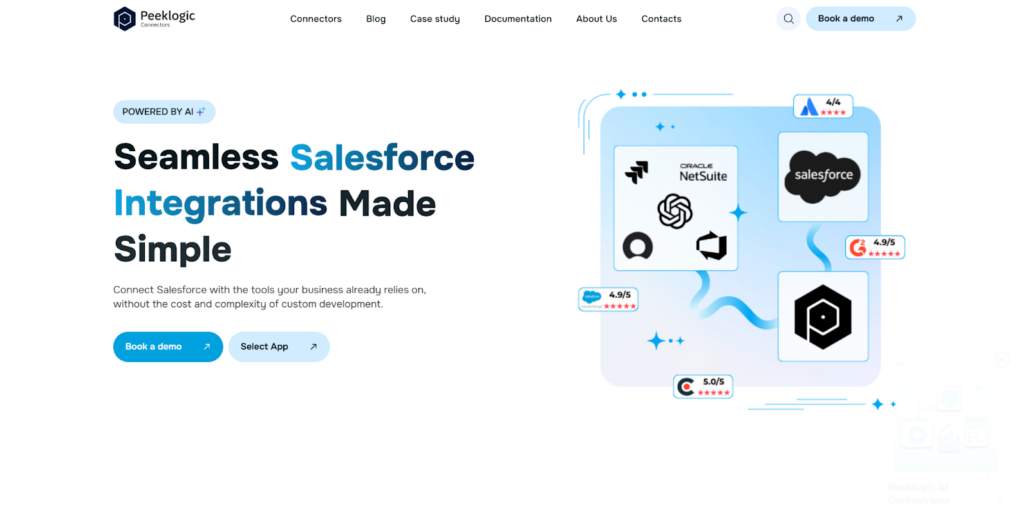
Peeklogic focuses on the handoff problem between support and development teams. Peeklogic Salesforce Jira Connector handles case escalation without code, pushing updates in real time so both sides see the same information. When a support agent adds a comment in Salesforce, it appears in the linked Jira ticket instantly. When a developer updates a status to “in progress,” the Salesforce case reflects that change without anyone manually syncing. Custom fields, attachments, and comments all move between systems automatically.
In a real support workflow, this removes the frustration of constant updates. The support team stops asking “Is this fixed yet?” The engineering team stops explaining why something is delayed. Information flows without meetings or follow-up emails. The configuration happens through a UI, so business users set it up without developers.
Where It Helps Most
Peeklogic performs best in workflows where customer issues need to move quickly into the development pipeline. It doesn’t try to be everything for everyone, which keeps things simple. It tends to fit best in workflows like these:
- Support teams escalating customer issues into Jira;
- Sales teams tracking bug or feature request progress;
- Organizations needing real-time case visibility;
- Teams that want no-code setup and minimal maintenance.
For companies that need fast deployment without losing control over how data flows, this hits a balanced spot.
2. Zagile
Zagile approaches support workflows with a process in mind. Their platform includes SLA tracking and structured escalation paths, which matters when support operations already have formal processes. You can define how quickly different types of cases should reach engineering and track whether those timelines are met.
The tool creates a structured handoff between support and engineering. When a case escalates in Salesforce, it creates a Jira ticket with all relevant context. Status updates flow back automatically, and SLAs track across both systems. For organizations where service level agreements matter, this visibility is essential.
Key strengths in this use case include:
- Case escalation workflows;
- SLA tracking across systems;
- Real-time status visibility;
- Structured support for engineering handoff.
Zagile fits service-heavy teams that need to guarantee response times and track escalations formally.
3. Appfire
Appfire makes sense when your organization already runs on the Atlassian ecosystem. The company builds tools that extend Jira and other Atlassian products, and their Salesforce integration reflects that depth. This isn’t the fastest tool to deploy, but it handles complex, process-driven workflows that larger enterprises need.
For support organizations with established governance, Appfire provides deeper integration than lighter tools. You can map complex data structures, enforce access controls, and scale across large teams. Implementation typically involves their professional services, which adds cost but ensures the integration aligns with existing processes.
What makes Appfire useful here:
- Deep integration with Salesforce and Atlassian environments;
- Support for more complex mappings and workflows;
- Stronger fit for larger operational teams;
- Enterprise-grade controls and support options.
For large-scale support structures with formal processes, this works. For small teams wanting quick deployment, it’s probably too much.
4. OpsHub
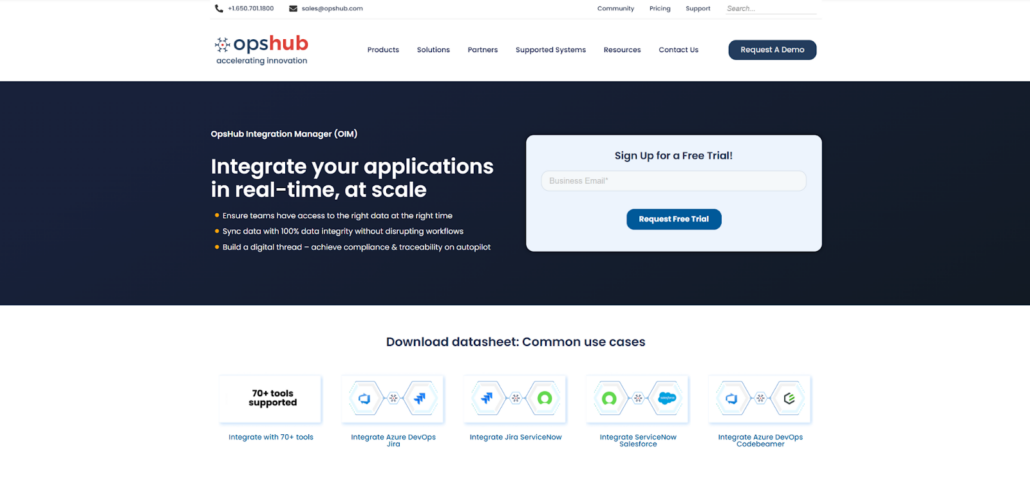
OpsHub positions itself as an enterprise integration layer, not a lightweight connector. In the context of support workflows, this matters for organizations with complex structures where cases, feature requests, and bugs need to stay traceable across multiple systems. The platform manages rich data synchronization, including comments and attachments, and it supports bidirectional integrations across several tools simultaneously.
For support teams that need to connect Jira and Salesforce but also maintain relationships with other systems, OpsHub provides a centralized approach. Configuration happens through a GUI, so you’re not writing code, but the platform handles enterprise-scale data volumes and complex relationship mappings.
Why it stands out in escalation-heavy environments:
- Rich data synchronization, including comments and files;
- Bidirectional integrations across multiple systems;
- GUI-based management without deep coding;
- Stronger traceability for enterprise workflows.
This fits complex enterprise handoffs better than small team scenarios.
5. Skyvia
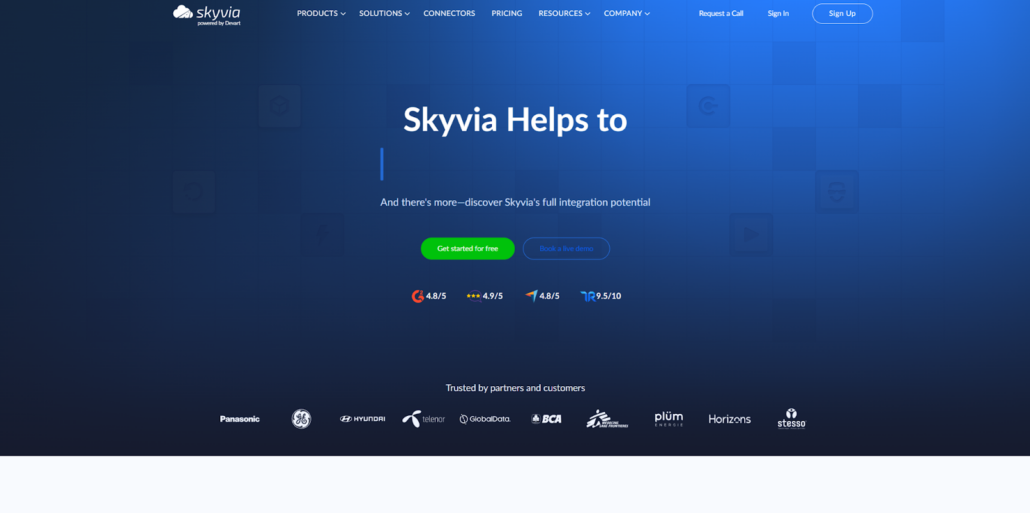
Skyvia takes a data-centric approach to integration. It’s a no-code cloud platform that handles data sync, import, and transformation between systems. In the support workflow context, this works for teams that think about case handoff as a data flow problem rather than just a ticket collaboration problem.
You can set up bidirectional sync between Salesforce and Jira, filter which data moves, transform fields during transfer, and schedule syncs on your timeline. The no-code interface means support operations teams can configure it without developer involvement. For organizations with broader data integration needs beyond just these two tools, Skyvia provides a path to connect multiple systems.
Best for teams that need:
- No code cloud-based setup;
- Data import and sync in either direction;
- Filtering and transformations during sync;
- A broader data integration approach.
It’s not the most specialized support connector, but it works well for teams that already think about data flows across multiple systems.
How to Choose the Right Tool for Escalation Workflows
Don’t pick the tool with the longest feature list. Pick the one that won’t break your case handoff process. According to our analysts, the right choice depends on how your support and engineering teams actually work together. The decision usually comes down to a few practical questions:
- Do you need simple case handoff or deeper workflow orchestration?
- Will support teams configure the tool themselves or rely on developers?
- How important are SLA tracking and escalation logic?
- Do you need bidirectional sync with comments and attachments?
- Is your workflow focused on tickets or broader data movement?
The right tool fits your operating model, not some theoretical ideal.
Final Thoughts
In support-oriented workflows, the goal isn’t just integration for integration’s sake. It’s keeping context moving between teams so nothing gets lost. Peeklogic offers a balanced approach that works for most organizations. Zagile fits structured service operations with formal SLAs. Appfire works for enterprise-scale teams already in the Atlassian ecosystem. OpsHub handles complex enterprise handoffs across multiple systems. Skyvia suits teams with broader data integration needs. Choose based on how your support process actually runs, not how a vendor says it should run.